
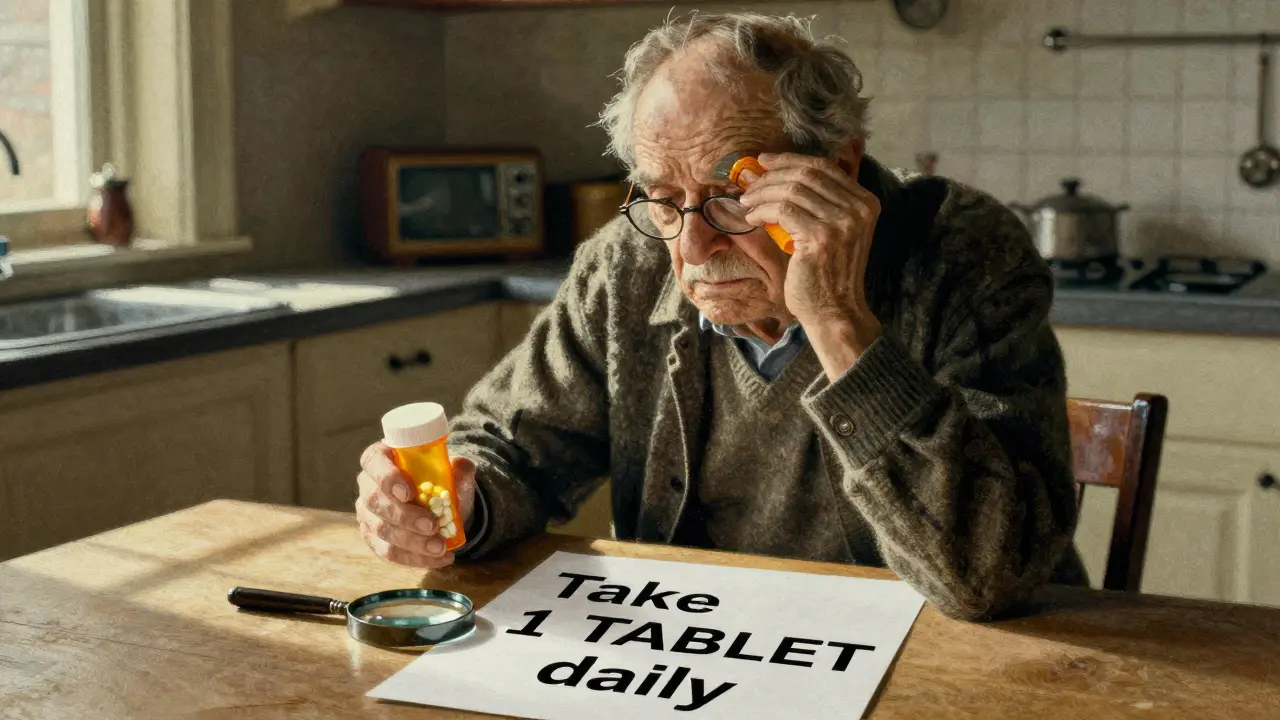
Imagine taking your morning pills and not knowing which is which. One looks like the other. The letters are too small. The instructions blur together. You’ve done this before - and you’re not alone. Over 8 million Americans over 65 have trouble seeing medication labels. For many, it’s not just frustrating - it’s dangerous. Taking the wrong pill, the wrong dose, at the wrong time can land you in the hospital. But there’s a simple, life-changing solution: large print and accessible prescription labels.
Why Standard Prescription Labels Don’t Work for Low Vision
Most pharmacy labels are printed in 8- to 10-point font. That’s the size of tiny text on a smartphone screen. For someone with low vision - whether from macular degeneration, glaucoma, diabetic retinopathy, or just aging eyes - that’s unreadable. A 2021 CDC survey found that 20% of adults over 45 struggle to read their own prescription labels. That’s one in five people guessing what’s in their hand. The problem isn’t just size. It’s contrast, font style, and layout. Many labels use serif fonts like Times New Roman, which are harder to read because the little lines on the letters create visual noise. Glare from glossy paper makes it worse. Some labels put critical info like dosage and frequency in the middle, buried under branding. It’s no surprise that people make mistakes. Studies show visually impaired users are up to 5 times more likely to take the wrong medication than those with full vision.What Counts as Large Print? The Real Standards
You might think “large print” means just bigger text. But it’s not that simple. The American Foundation for the Blind (AFB) says the minimum should be 18-point font. That’s about three times larger than what most pharmacies print by default. And it’s not just about size - it’s about clarity. The best large print labels use:- Sans-serif fonts like Arial, Verdana, or APHont™ (a font designed specifically for low vision)
- High contrast - black text on a white background, never gray on off-white
- Non-glare material - matte finish, not shiny
- Left-aligned text - easier to follow line by line
- Lowercase letters for most text, uppercase only for numbers (like “Take 2 TABLETS”)
- Yellow highlights on key instructions like “Take with food” or “Do not crush”
More Than Just Big Text: Audible and Digital Options
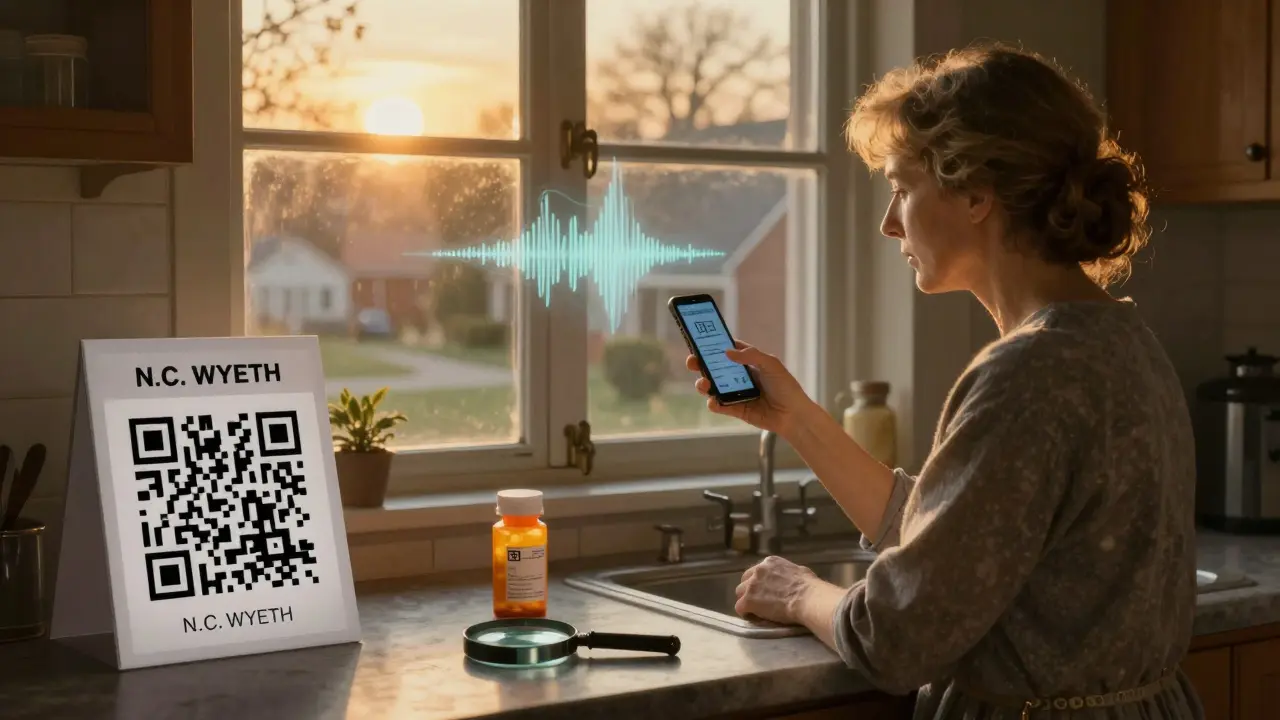
Not everyone can read even large print. Some people have very low vision or are blind. For them, talking labels are the game-changer. ScripTalk is one of the most common systems. It uses a small RFID chip embedded in the label. You hold a handheld reader - or even your smartphone - near the bottle, and it plays back the label information in a clear voice. It tells you the drug name, dose, how often to take it, and any warnings. It works even if the label is worn or faded. Another option is QR code labels. Scan the code with your phone, and it opens an audio file or webpage with the full prescription details. UK HealthCare’s ScriptView system does this. One 78-year-old diabetic patient reduced her low blood sugar episodes by 75% after switching to QR-enabled labels with audio instructions. Braille labels exist too - but they’re only useful for about 10% of people with vision loss who actually read Braille. Most don’t. So while Braille is important for some, it’s not the main solution for the majority.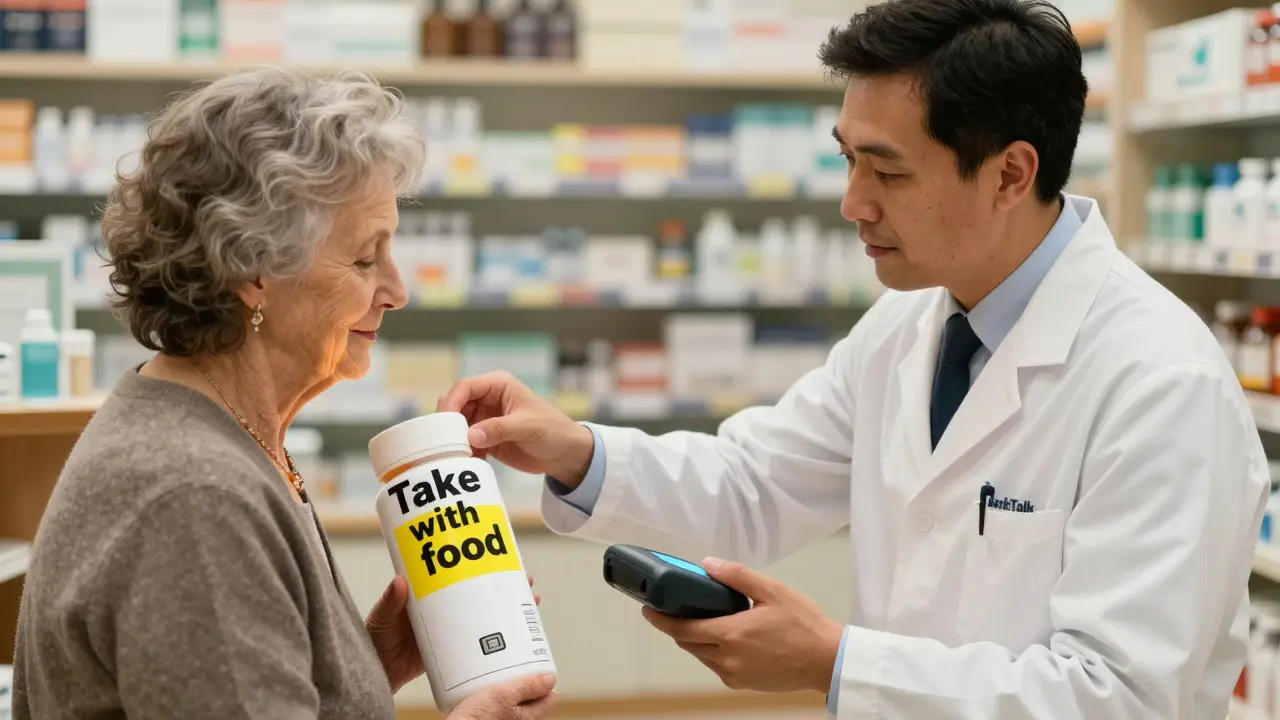
What Pharmacies Offer - And What They Don’t
Big chains like CVS, Walgreens, and Walmart have been required since 2012 to offer accessible labels under the FDA Safety and Innovation Act. Today, 98% of CVS locations, 95% of Walgreens, and 92% of Walmart pharmacies offer at least one option: large print, audio, or both. But here’s the catch: you have to ask. A 2023 survey found that 37% of people who reported problems with labels said their pharmacist “didn’t know about accessible labels.” Another 29% said they were only offered these options after they specifically asked. That’s not good enough. Independent pharmacies are far behind. Only about half offer any accessible labeling, and many don’t have the training or equipment. If you go to a small local pharmacy, don’t assume they’ll offer this. Bring it up. Ask for it. If they say no, ask to speak to the manager.How to Get Accessible Labels - Step by Step
Getting the right label doesn’t have to be hard. Here’s how:- Call ahead - Ask your pharmacy if they offer large print, audio, or QR code labels. Don’t wait until you’re at the counter.
- Be specific - Say: “I need my prescription labels in 18-point font with high contrast.” Or: “Can I get a ScripTalk label?”
- Ask for a duplicate label - If they say the bottle is too small, ask for a second, larger label to be attached.
- Request it for every prescription - Don’t assume it’s automatic. Every new script needs a new label.
- Ask for a refill reminder - Some pharmacies now send audio or text reminders for refills. Ask if they offer that too.
Real Stories: How This Changed Lives
On Reddit, a user named VisionLiberation wrote: “Since my pharmacy started offering 18-point Arial labels, I stopped taking the wrong pills twice a week. It’s literally life-changing.” That’s not an outlier. Healthgrades has over 1,200 reviews of accessible labeling services. The average rating is 4.7 out of 5. The top comments? “I can finally read my meds without help.” “I don’t panic anymore when I open the bottle.” “I took my insulin correctly for the first time in years.” A 2021 UK HealthCare case study followed a woman with diabetes and severe macular degeneration. She was mixing up her morning pills - sometimes taking her blood pressure med instead of her insulin. After switching to large print + QR audio labels, her hypoglycemic episodes dropped by 75%. She went from needing emergency care every few months to none for over a year.What’s Coming Next - And Why It Matters
The FDA is pushing further. By 2026, electronic prescriptions and patient portals must also be accessible. That means apps and websites will need to work with screen readers and offer audio options. New tech is rolling out too. Be My Eyes, an app that connects blind users with sighted volunteers via video call, now lets users point their phone at a prescription label and get it read aloud in real time. Over 1.2 million labels have been read this way since June 2023. The market for accessible labeling is growing fast - projected to hit $5.7 billion by 2027. That’s because demand is rising. As the population ages, more people will need help reading their meds. Pharmacies that don’t adapt will not only lose customers - they could face legal action. The Department of Justice has already settled three cases for $450,000 total because pharmacies failed to provide accessible labels.What You Can Do Today
This isn’t about convenience. It’s about safety. Medication errors kill over 250,000 people in the U.S. every year. A large part of that comes from unreadable labels. If you or someone you love has trouble seeing small print:- Ask for large print labels - insist on 18-point font.
- Ask for audio labels if reading is still hard.
- Don’t take the first label you’re given - ask for a better one.
- Teach your family how to use ScripTalk or QR labels.
- If your pharmacy refuses - file a complaint. You have rights.
Are large print prescription labels free?
Yes. By law, major pharmacies like CVS, Walgreens, and Walmart must provide large print, audio, or other accessible labels at no extra cost. This is part of the FDA Safety and Innovation Act and the Americans with Disabilities Act. If a pharmacy tries to charge you, ask to speak to a manager or file a complaint with the pharmacy’s corporate office.
Can I get accessible labels for over-the-counter meds?
Unfortunately, no. The legal requirement only applies to prescription drugs. But you can still make OTC bottles easier to read. Use a permanent marker to write the name and dosage in large, bold letters on masking tape and stick it to the bottle. Or take a photo of the label with your phone and zoom in when you need to check it.
What if my pharmacist says they don’t have large print labels?
This is common - especially at small pharmacies. But it doesn’t mean it’s not available. Ask if they can order them from their central pharmacy system. Most chains can print duplicate labels on demand. If they still say no, ask for a manager. You can also contact the pharmacy’s corporate customer service line. Many have dedicated accessibility hotlines. If all else fails, consider switching to a pharmacy that does offer the service - your safety matters more than loyalty.
Do I need a doctor’s note to get accessible labels?
No. You don’t need a doctor’s note, prescription, or proof of vision loss. You just need to ask. Pharmacists are required by law to provide accessible labels to anyone who requests them - no questions asked. If they ask for documentation, politely remind them that the law doesn’t require it.
Can I use my phone to read prescription labels?
Yes - and there are several ways. Apps like Be My Eyes connect you with volunteers who can read labels over video call. Other apps, like Seeing AI or Google’s Lookout, can scan and read text aloud using your phone’s camera. QR code labels on prescriptions also let you scan and hear the info. These tools work best when paired with large print or audio labels, not as a replacement for them.
Are accessible labels available outside the U.S.?
Yes, but availability varies. In the UK, NHS pharmacies offer ScriptAbility services including large print, audio, and translated labels. Canada has ScripTalk in most major chains. Australia and New Zealand are starting to adopt similar systems, but access is less consistent. If you’re outside the U.S., ask your pharmacist what’s available - and don’t hesitate to request what you need. Many countries have disability rights laws that require reasonable accommodations for medication access.


Comments(9)